
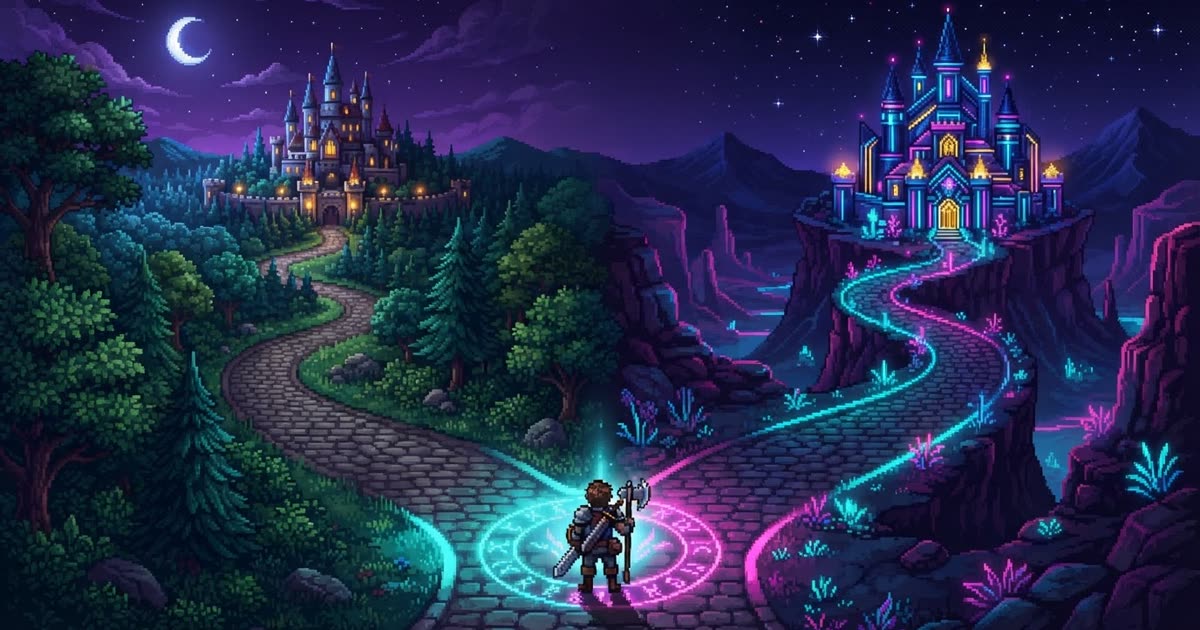
The scariest moment in game making is right before a big change. New combat system? Complete art restyle? Level surgery? One bad build and your working game is gone. On MakePlay, that fear has a two-word answer: save a copy.
A copy is a complete snapshot
Hit Save a copy in the workspace and you get a new development line: the game files, the chat history up to that moment, even the reference images you uploaded — all of it. Keep directing the copy from exactly where you left off, and go as wild as you like. The original stays untouched; if the experiment fails, delete the copy and nothing is lost.
A lineage bar on top always shows which line you're on, with a one-click way back to the original.
Two ways out at publish time
You don't decide the copy's fate when you create it — you decide when it's ready:
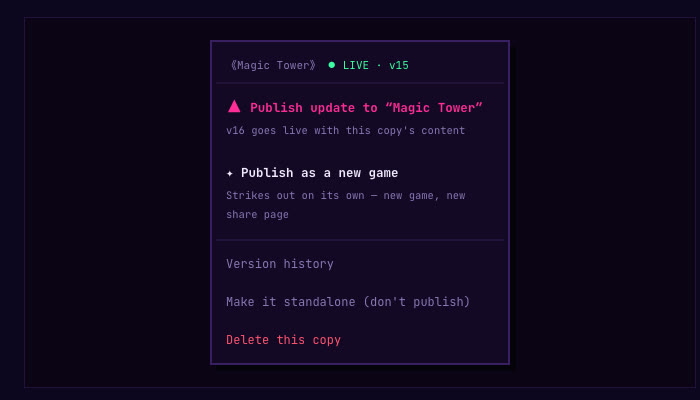
- Publish as an update. The copy's content goes live as the original game's next version — same share link, and every like, comment, cloud save and leaderboard carries on untouched.
- Publish as a new game. The copy becomes its own game with a brand-new share page, and the two go their separate ways.
The time machine
Every version you ever shipped is kept. Version history lists them all, and two buttons do the rest: roll back puts players on an older version in one step, and save a copy opens a new line starting from that version — chat included, cut at the moment it shipped — so you can rescue an old idea and keep building on it.
The same machinery powers remixing: hit Remix on anyone's published game and you get your own line of it in your studio, credited to the original.
Full details live in the Save a Copy guide — or just open the Studio and try it on your next risky idea.