
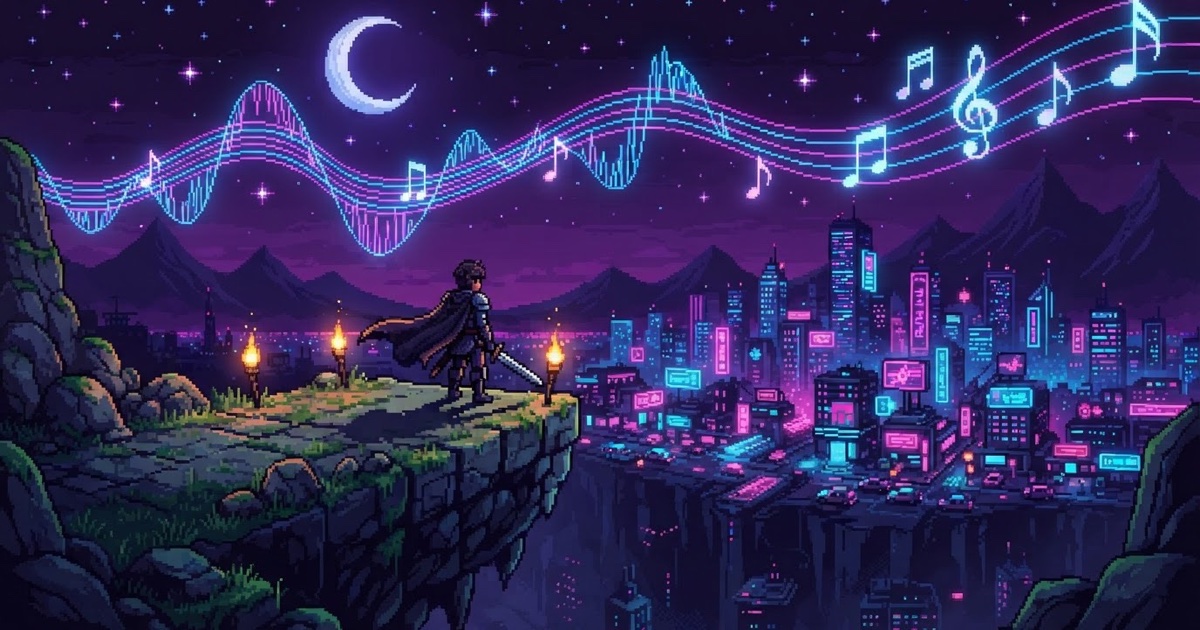
Until now, most AI-built games on the web shared one weakness: they all sounded the same. A handful of stock library tracks, reused across thousands of games, meant your neon racing game and someone else's haunted dungeon crawler could open with the exact same loop.
That's over. MakePlay's AI crew now generates original audio for every game it builds — background music composed for your game's mood and pacing, and sound effects designed for its world. You describe the game; the audio follows.
Original background music, composed per game
When the AI builds your game, it writes a full musical direction — gameplay purpose, mood, instruments, tempo — and composes an instrumental track from scratch. A cozy farming game gets warm acoustic textures; a boss fight gets driving percussion. Nothing is pulled from a shared pool, so no two games sound alike.
- Seamless loops. Gameplay music is generated so the ending resolves back into the beginning — it loops cleanly for as long as you play, from short 5-second stingers up to 5-minute pieces.
- Optional vocals. Title screens, victory moments and credits can get a fully sung track — with real lyrics, in any language, verse and chorus included. Gameplay loops stay instrumental, because looping vocals wear thin fast.
- Scene-aware. Menus, exploration, battles and game-over screens can each get their own piece, tuned to what's happening on screen.
Sound effects designed, not sampled
Sound effects work the same way: instead of hunting through a sample library, the AI describes the sound it needs — material, action, mood — and a sound-design model produces it. A wooden chest creaking open, a glass shard shattering on stone, a magical charge-up, wind through a ruined tower: each effect is generated to match the world it lives in, anywhere from a tenth of a second to a 30-second ambience bed.
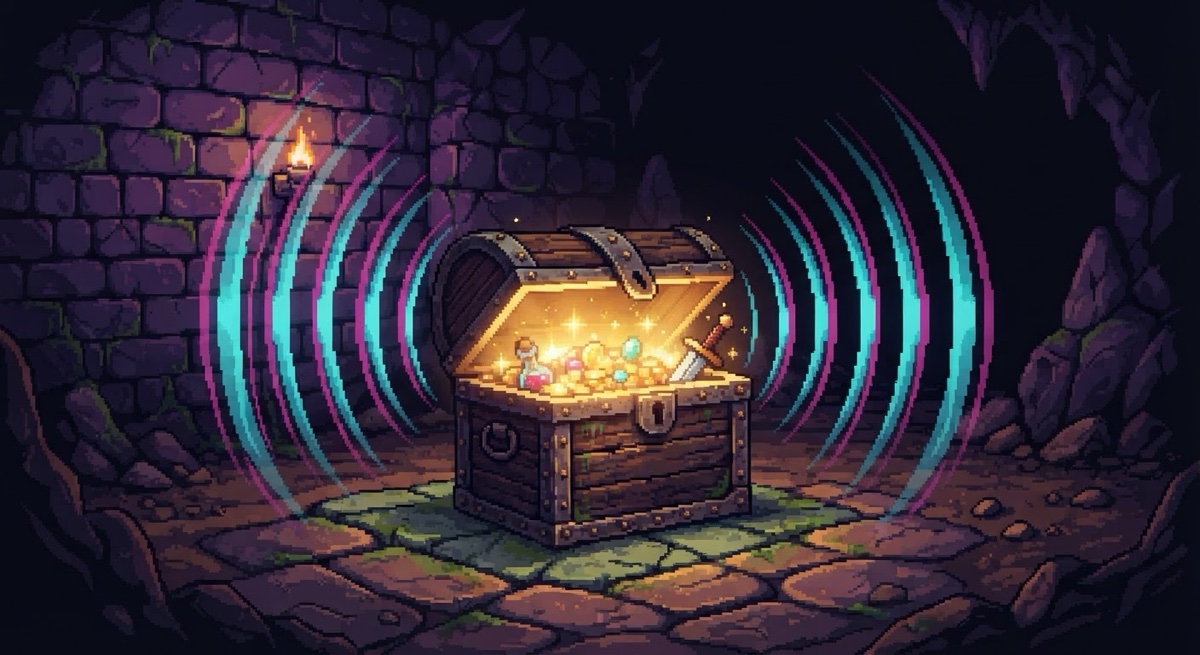
And a note for retro fans: pixel-art visuals don't force chip audio. Your pixel platformer can have rich, cinematic foley — but if you want that authentic 8-bit chiptune sound, just ask, and the AI switches to a dedicated chiptune generator.
How to use it
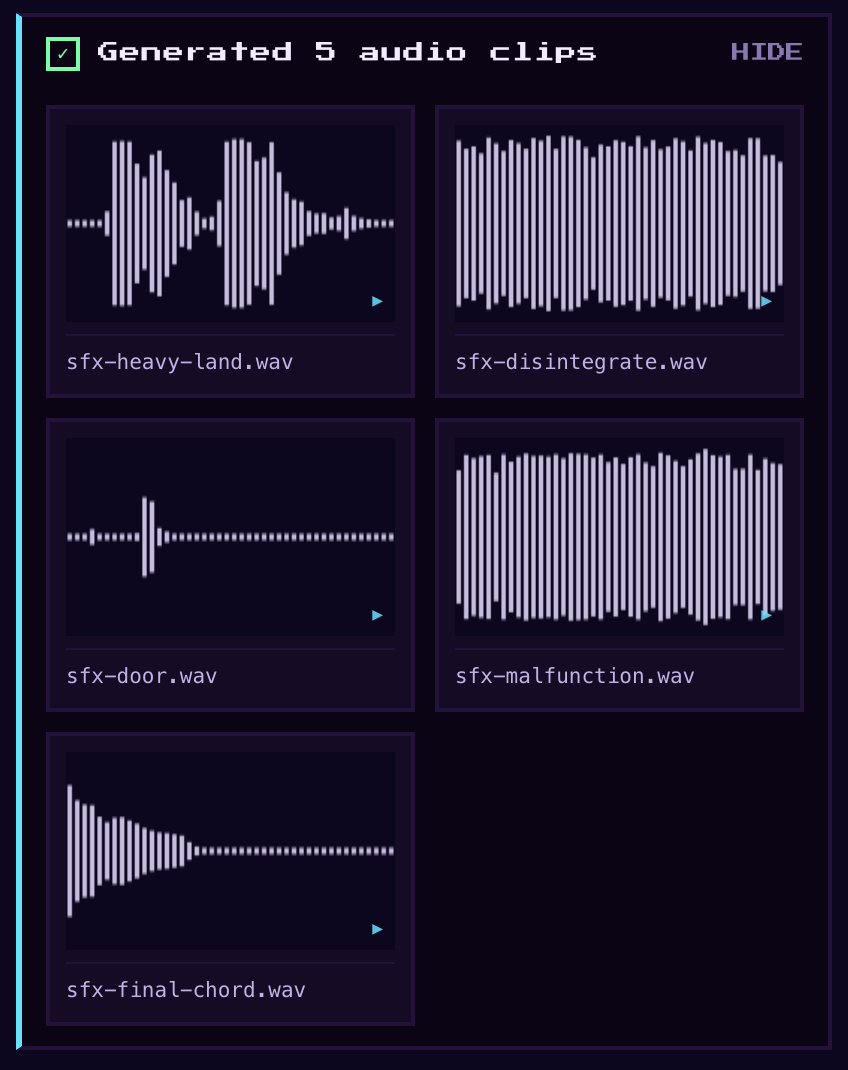
There's nothing to configure. Describe a game in the Studio and audio arrives as part of the build, alongside the art and the code:
Want changes? Direct them in plain language, the way you direct everything else on MakePlay:
- “Make the battle music faster and heavier.”
- “Give the title screen a sung theme about a lonely lighthouse keeper.”
- “The jump sound is too cartoonish — make it softer, more like cloth and air.”
Everything runs in the browser, on desktop and mobile — music starts after your first tap, as browsers require.
Like everything the AI builds for you, audio generation is included from the free start. Head to makeplay.ai, describe a game in one sentence, and hear what it sounds like when a game gets its own soundtrack.